Debugging with binding.irb
Ruby has seen quite a few gems dedicated to debugging over the years, like pry, byebug and debug. While we may dig into those in future posts, I'd argue that using binding.irb is sufficient for most debugging needs, and has the advantage of being part of the Ruby standard library, so no extra dependencies are needed.
When IRB is started via binding.irb, it has access to the full context of the code where it was called, including all local variables, methods, and constants. Since it's just a regular IRB session, we also get to enjoy all the recent IRB developments like auto-completion, syntax highlighting and multi-line editing, which the dedicated debuggers often lack.
require "irb"

ANSWER_TO_EVERYTHING = 42

def the_ultimate_answer?(number)
  number == ANSWER_TO_EVERYTHING
end

def report(correct)
  binding.irb # note how all methods, constants and local variables can be auto-completed here

  if correct
    puts "The answer to the Ultimate Question of Life is indeed #{ANSWER_TO_EVERYTHING}."
  else
    puts "That's not the correct answer. Try again!"
  end
end

report the_ultimate_answer?(42)
Example execution of the above via Ghostty on macOS:
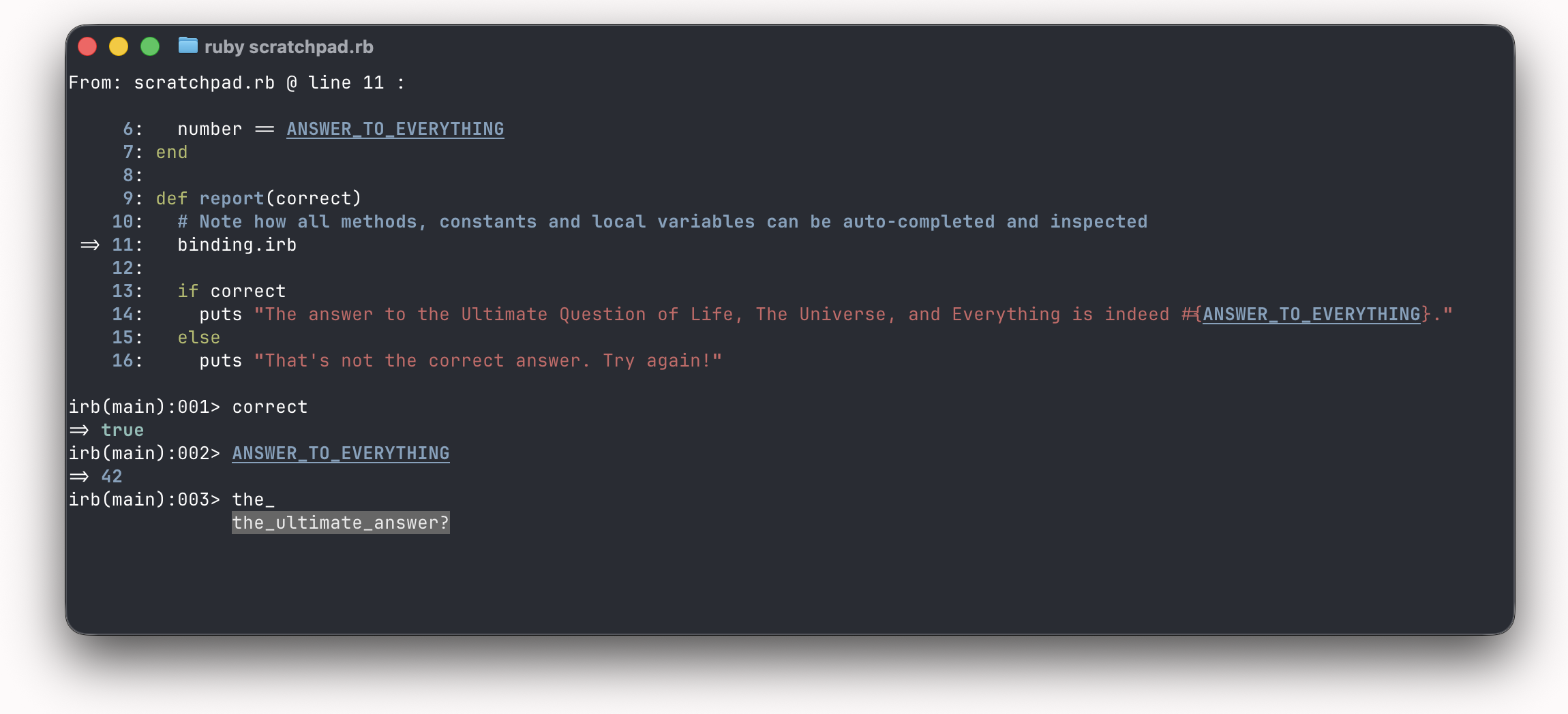
When you're done, just run exit in the IRB session to return to the normal flow of the program.
The main downside of binding.irb compared to dedicated debuggers is that it doesn't have features like stepping through code and setting breakpoints. But I rarely find myself making use of those features in practice, so I've made a habit of reaching for binding.irb first whenever I need to debug something.